
KeepPix
Keep what matters. Clear the rest. Smart clean-up for your Android gallery, with an archive on your home PC.
Interface preview: the app is in development, data shown is for demonstration.
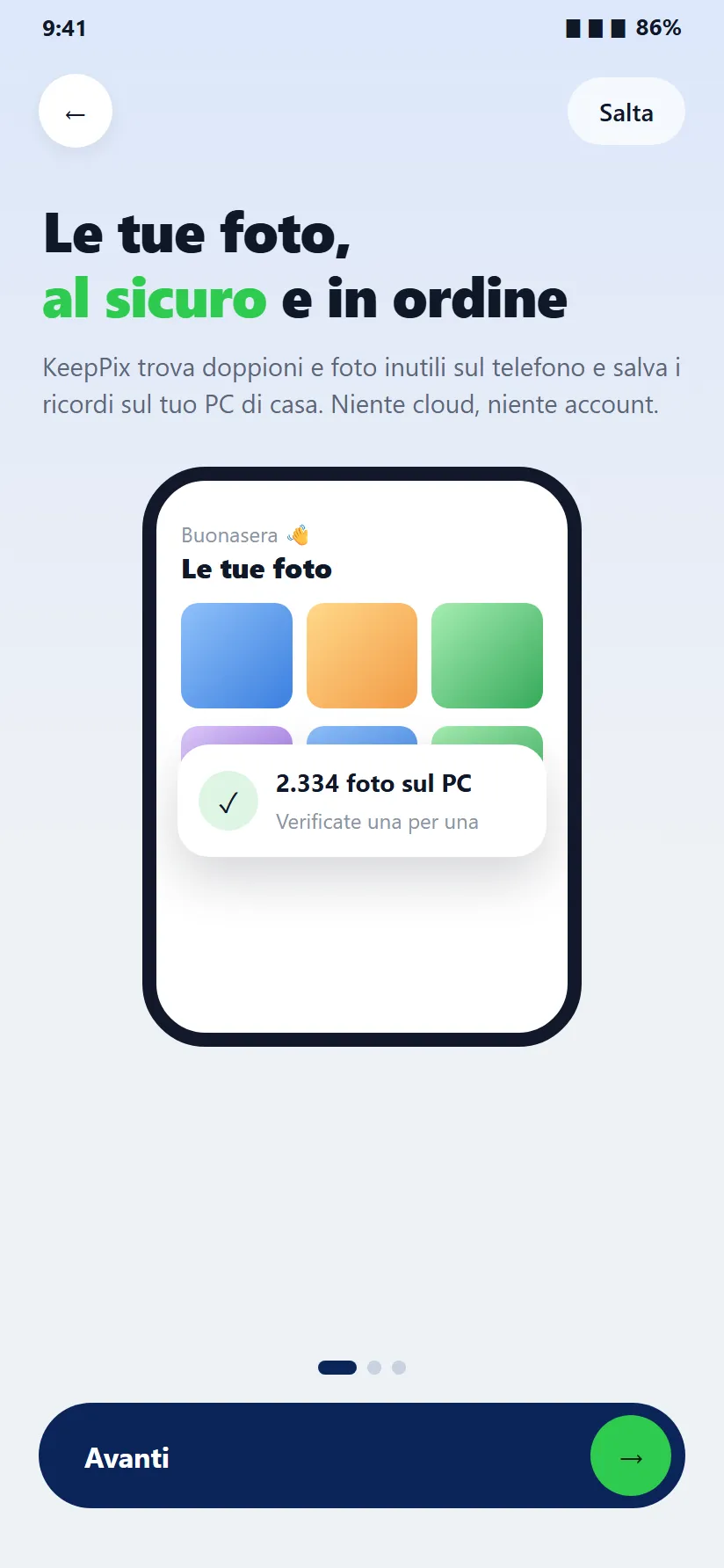
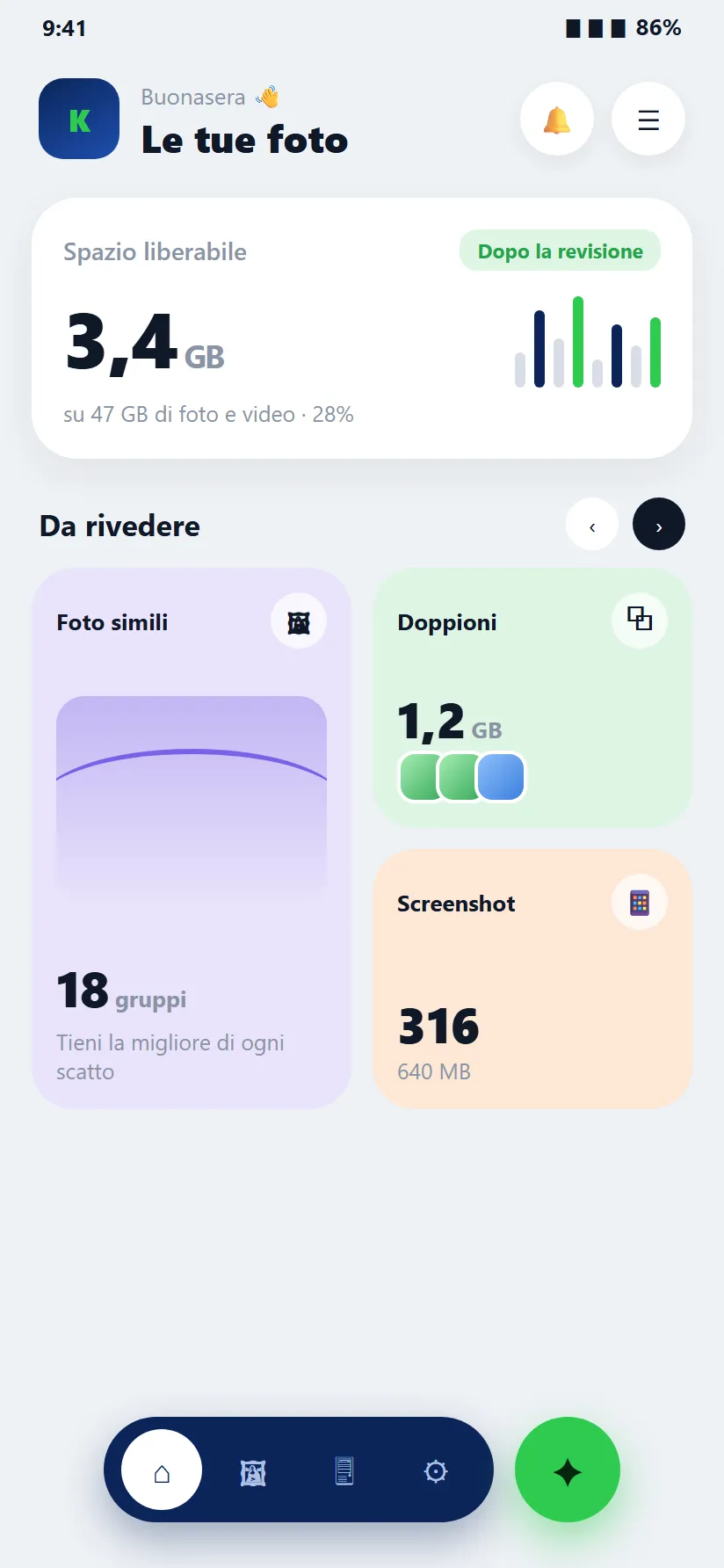
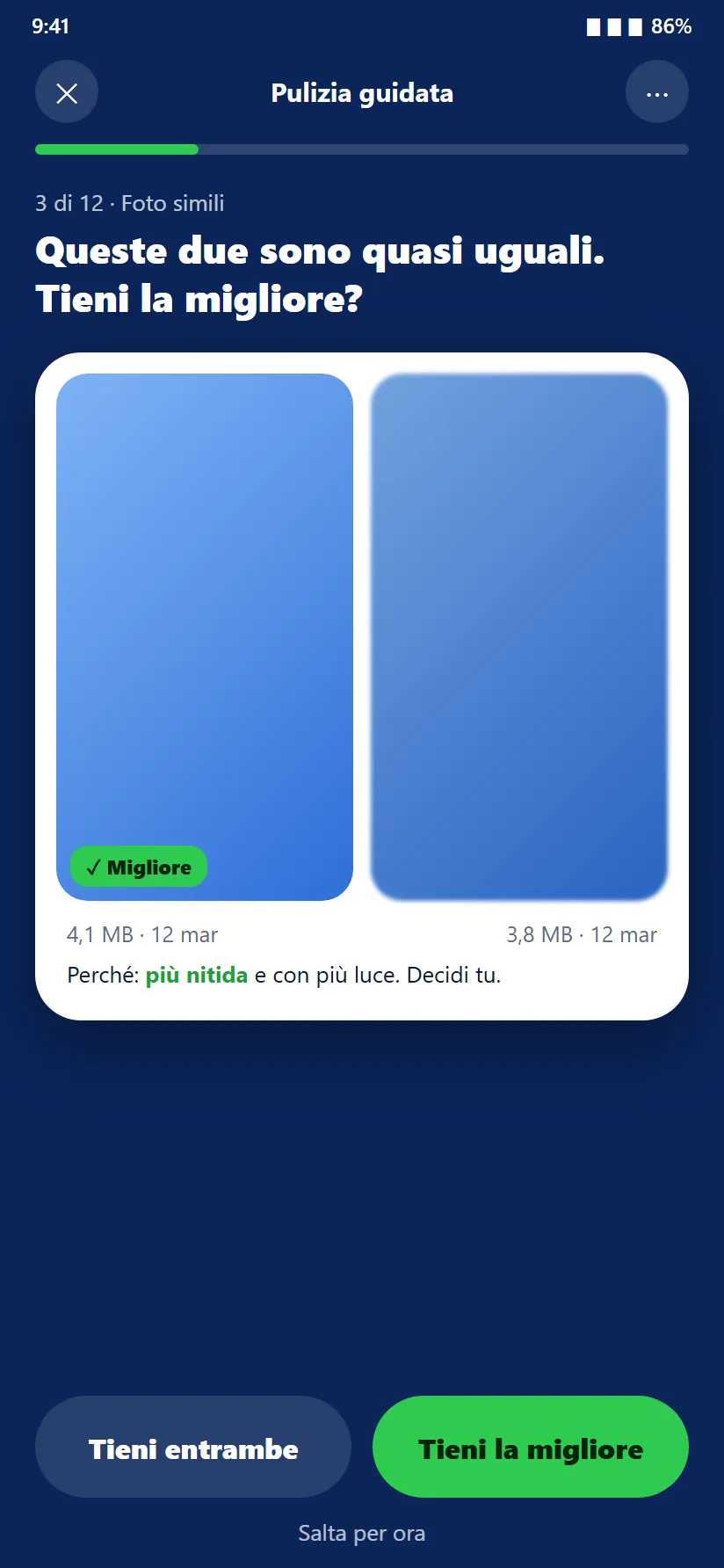
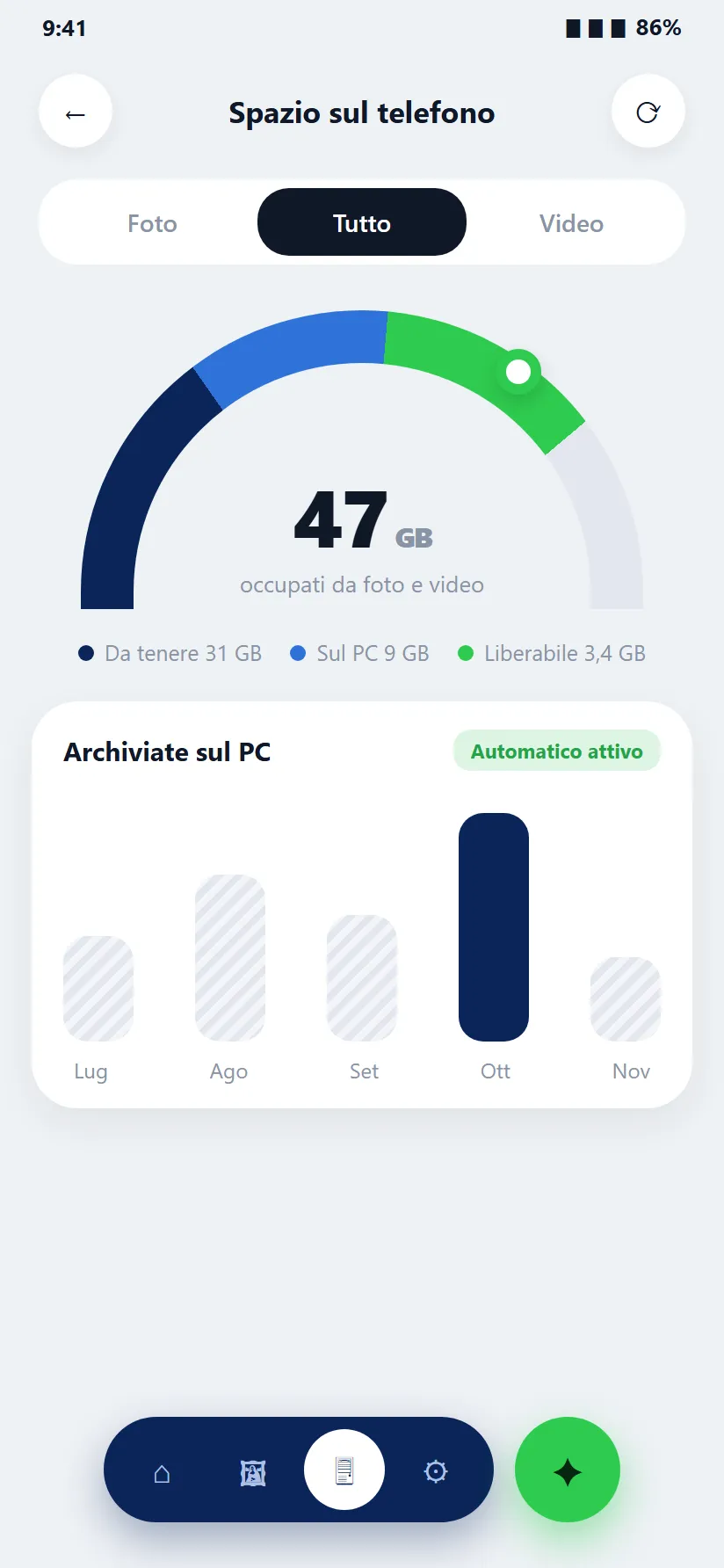

KeepPix finds duplicates, similar photos, screenshots and large videos and helps you free up space on your phone without losing anything: originals can be archived and verified on your Windows PC, over the local network, before they are removed from the phone.
The problem
Galleries fill up with duplicates, screenshots and near-identical shots. Traditional cleaner apps delete in a hurry or upload photos to the cloud; backing up to a PC is manual and nobody checks that the copy is really complete.
Who it is for
- People whose phone is always full
- Families with thousands of photos
- Anyone who does not want to hand their photos to the cloud
Technologies
What KeepPix does
Duplicates and similar photos
Groups exact duplicates and near-identical shots, suggesting which one to keep with an explained score.
Screenshots and large videos
Finds screenshots, bulky videos and blurry or dark photos in a moment.
On-device recognition
Documents, memes, photos of screens, tickets and QR codes recognised by AI directly on the phone.
Protected memories
Albums, dates and important photos excluded from every clean-up suggestion.
No automatic deletion
You always decide: photos go to the system trash with confirmation and can be restored.
Archive on your PC
Windows companion on the local network: QR pairing, verified copy with a signed receipt, then free up space safely.
Tidy archive
On the PC, photos are organised by category and month taken.
Designed to stay under your control
- No account, no cloud, no ads
- Image analysis only on the device
- Transfer to the PC with TLS 1.3 and mutual authentication
- A photo leaves the phone only after the copy is verified
Archive sample photos to your PC
Select some fictional photos, copy them to the home PC and verify the copy. Only then can you choose to move the originals to the system trash, after explicit confirmation.
Fictional data. Runs only in your browser: nothing is sent, no real device or system is contacted.
KeepPix is in development: this simulation illustrates the intended flow.
Frequently asked questions
Who is KeepPix for?
People whose phone is always full, Families with thousands of photos, Anyone who does not want to hand their photos to the cloud.
Which platforms does it run on?
Android, Windows.
How are security and data handled?
No account, no cloud, no ads. Image analysis only on the device. Transfer to the PC with TLS 1.3 and mutual authentication. A photo leaves the phone only after the copy is verified.
Which technologies is it built with?
Android, Kotlin, AI on-device, .NET, WPF, TLS 1.3.
When will it be available?
KeepPix is in development. Leave us your contact: we will let you know when it is available.
Other ADAPTECH solutions
Refinery Alarm
Emergency alerts on staff phones, with tracked read confirmation.
Clinic management software
Scheduling, reports, consent forms and patient portal in one place.
DiscoverIT asset management
PCs, phones and SIMs from stock to return, with a technician app.
DiscoverRemote Desktop P2P
Direct, encrypted remote control. The screen goes through no server.
DiscoverWant to try KeepPix first?
Leave us your contact: we will let you know when it is available.